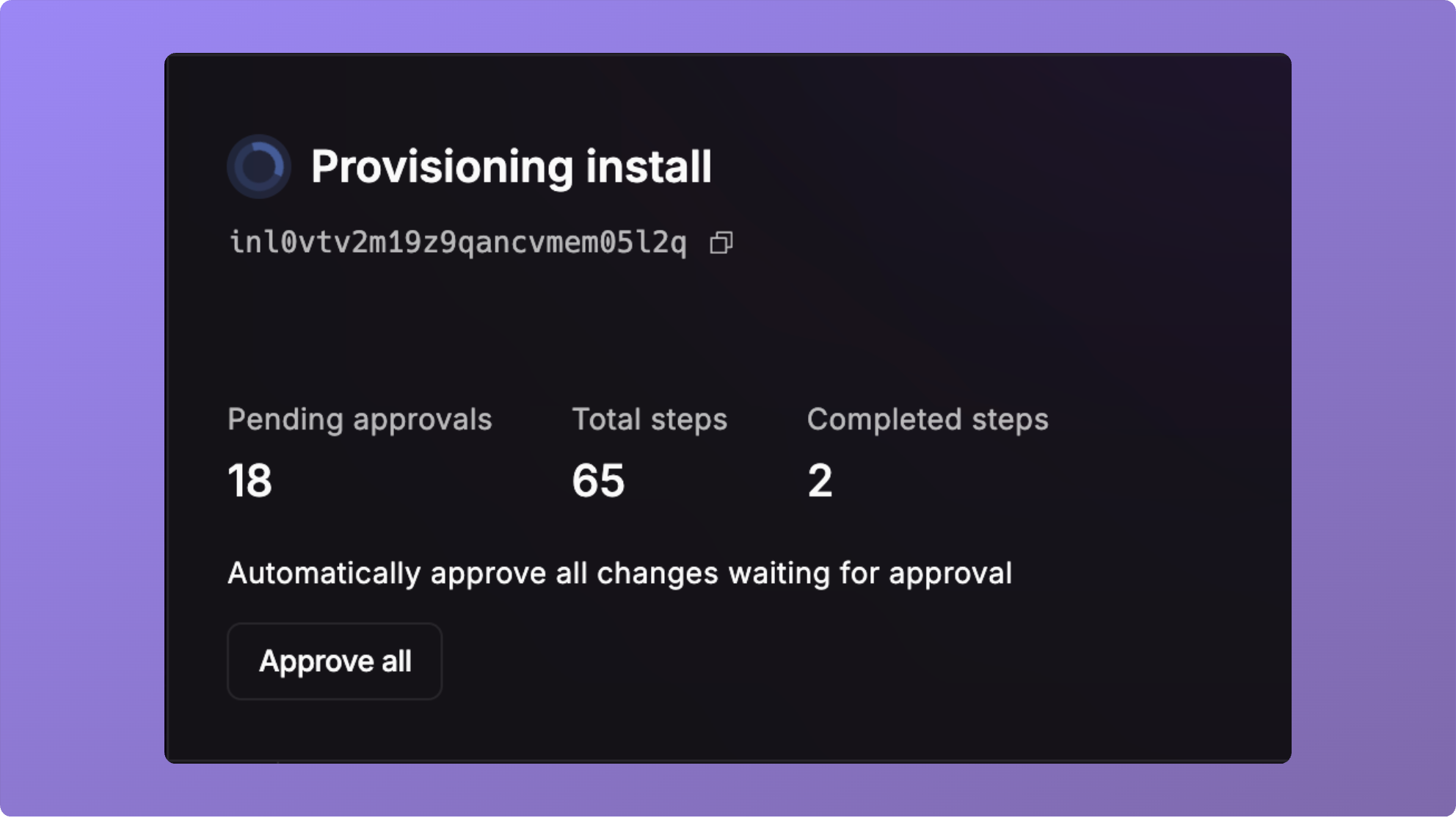
 ## Auto Approve Install
You can auto approve all changes on an install.
## Auto Approve Install
You can auto approve all changes on an install.
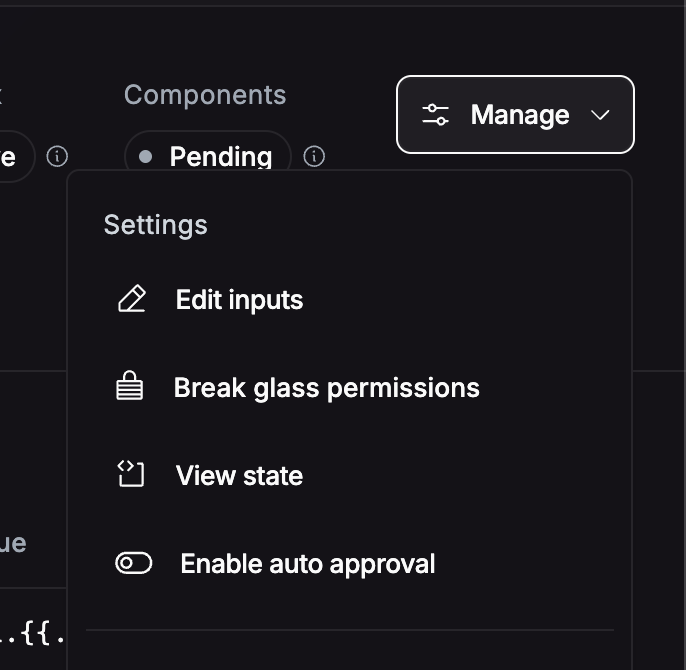 ## Auto Approve Workflow
Sometimes, you just want to approve the first step in a workflow. You can approve all following steps on a workflow,
which means each step will automatically proceed.
## Auto Approve Workflow
Sometimes, you just want to approve the first step in a workflow. You can approve all following steps on a workflow,
which means each step will automatically proceed.
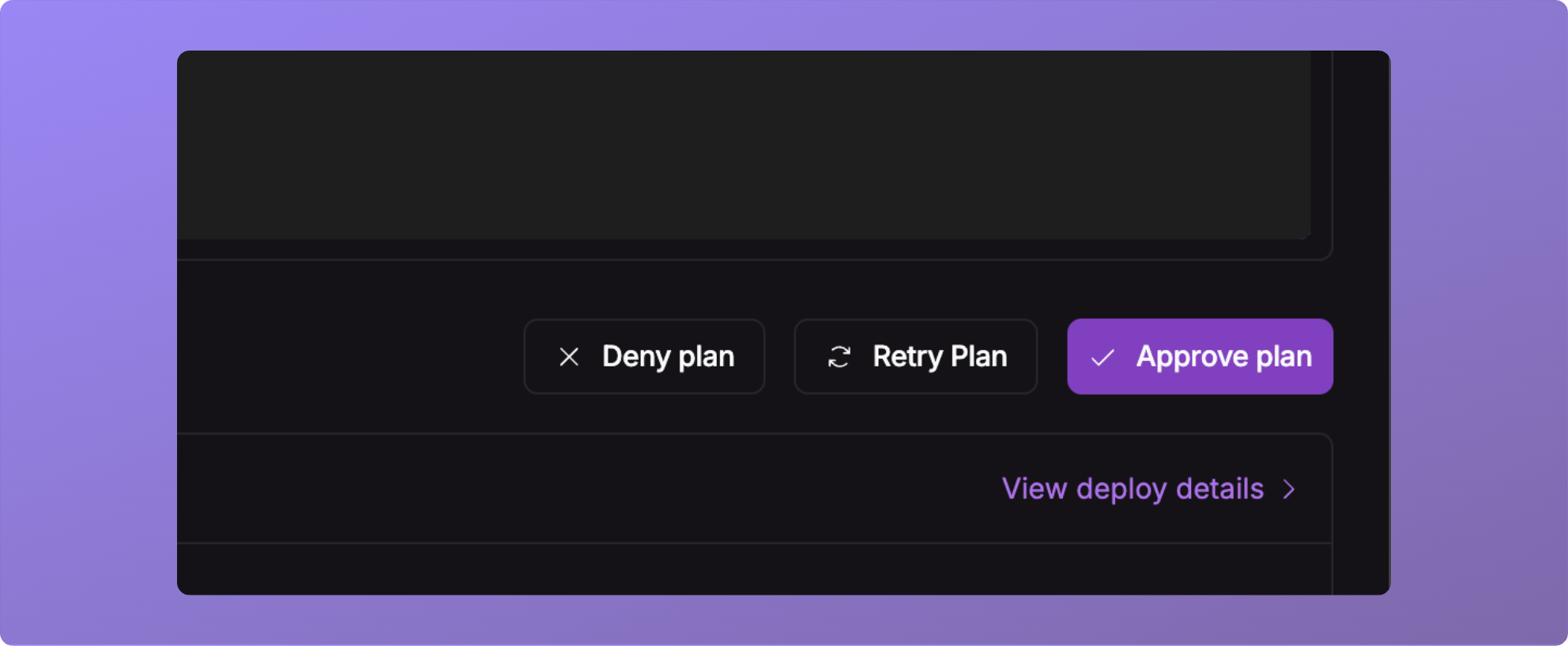
 ## Re Plan
When an approval has been waiting for an extended period of time, you can re-run the plan phase by pressing the **Retry
Plan** button.
## Re Plan
When an approval has been waiting for an extended period of time, you can re-run the plan phase by pressing the **Retry
Plan** button.
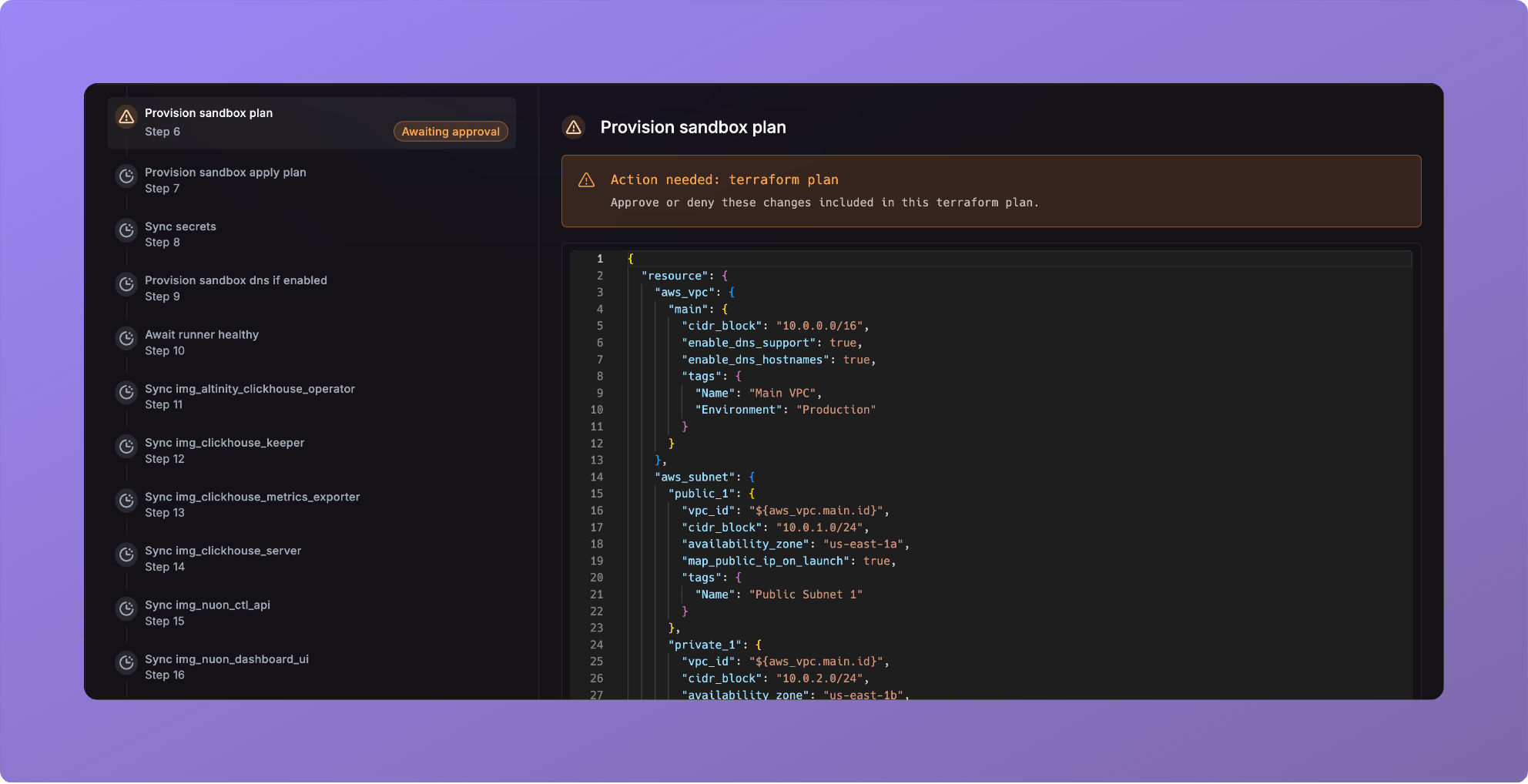
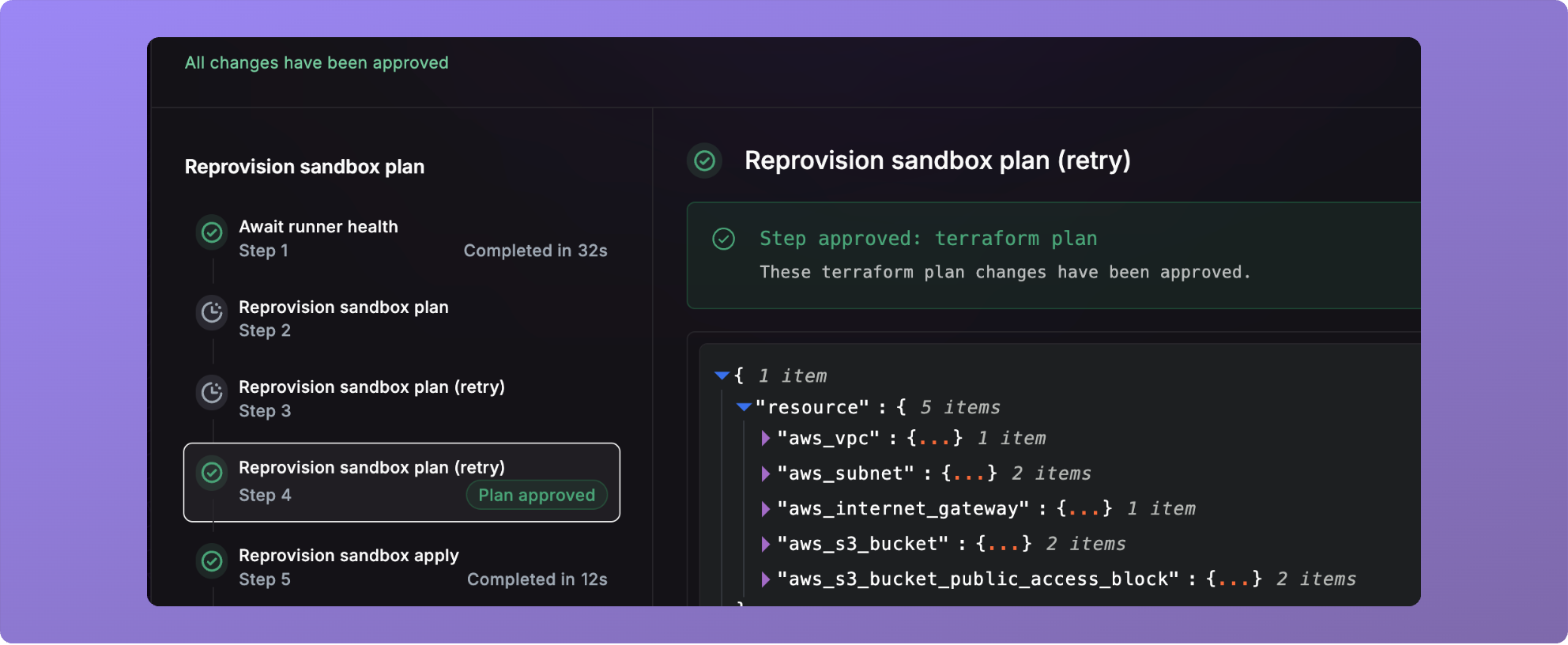 This will re-run the plan step, and prompt the approval before continuing.
## Helm component config
You can now define the `TakeOwnership` flag in the helm component config.
```toml theme={null}
name = "helm_chart_two"
type = "helm_chart"
chart_name = "acme-corporation"
take_ownership = true
```
We'll be exposing more helm install flags in the future releases.
## Bug Fixes and other
* `nuon apps sync-dir` has been deprecated in favor of `nuon apps sync`.
* Fixed an issue related to authentication for BYOC installs of Nuon.
* Fixed a bug where actions could not be deleted.
* Fixed a bug where some cron actions did not run.
* Fixed a bug where an empty permissions boundary errored out.
This will re-run the plan step, and prompt the approval before continuing.
## Helm component config
You can now define the `TakeOwnership` flag in the helm component config.
```toml theme={null}
name = "helm_chart_two"
type = "helm_chart"
chart_name = "acme-corporation"
take_ownership = true
```
We'll be exposing more helm install flags in the future releases.
## Bug Fixes and other
* `nuon apps sync-dir` has been deprecated in favor of `nuon apps sync`.
* Fixed an issue related to authentication for BYOC installs of Nuon.
* Fixed a bug where actions could not be deleted.
* Fixed a bug where some cron actions did not run.
* Fixed a bug where an empty permissions boundary errored out.