> ## Documentation Index
> Fetch the complete documentation index at: https://docs.nuon.co/llms.txt
> Use this file to discover all available pages before exploring further.
# 014 - Install Config Files
> Manage Installs via Source Control
*August 7th, 2025*
v0.19.614
## Install Config Files
You can now manage installs via source control for apps managed by
`nuon apps sync`. Create one config file per-install in a folder named
`installs/` under your app's config. Now syncing the app will also create/update
the corresponding installs. For more details take a look at
[Install Config file reference](/configuration-files#install-config).
```toml theme={null}
name = "config_demo"
approval_option = "approve-all"
[aws_account]
region = "us-east-1"
[inputs]
sub_domain = "whoami"
test = "required-value"
testdefault = "default-value"
```
## Generate an Install Config File
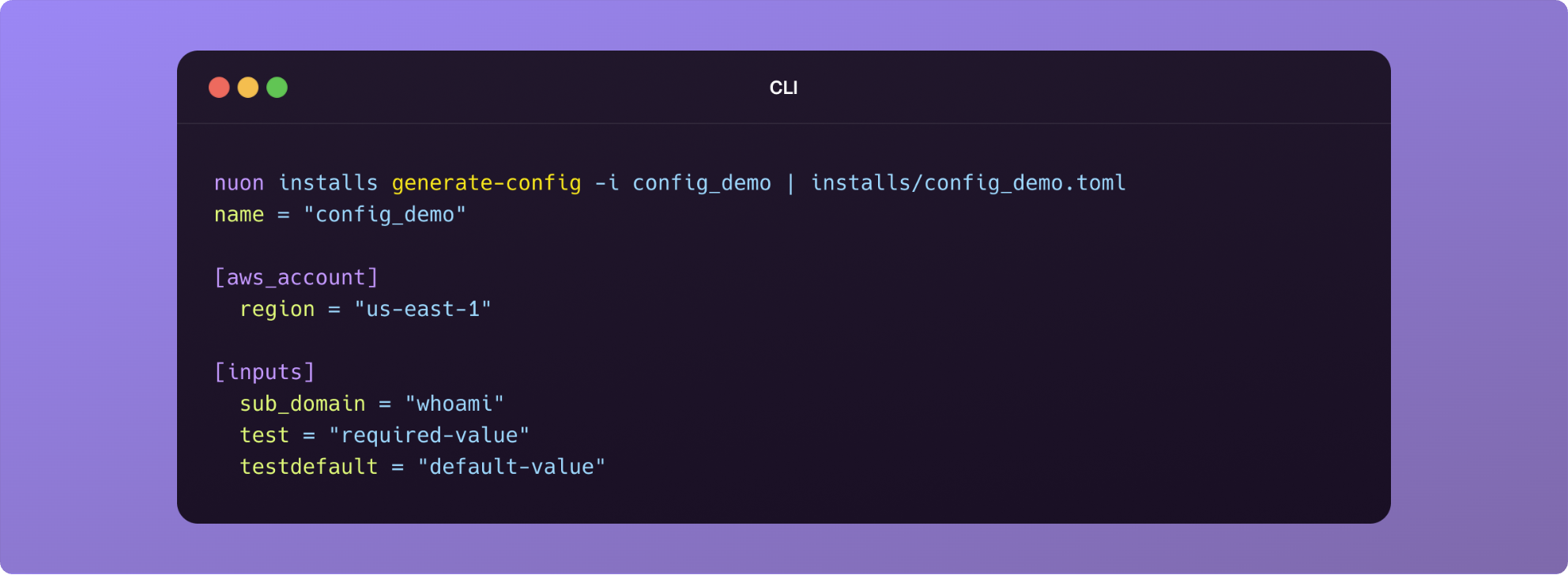
To make it even easier to manage existing installs using CI, we have added a new
command `nuon installs generate-config` to export an existing install to stdout.
Create a TOML config file for the install in the `installs` folder of your app's
config and paste the stout. If required, make updates e.g., you app's release
number, and `nuon apps sync` to update the install. In the dashboard, see the
newly-created workflow to track the install's upgrade process.
```bash theme={null}
cd
mkdir -p installs
touch installs/.toml
nuon installs generate-config -i | tee installs/.toml
```
 ## Workflow Step Groups
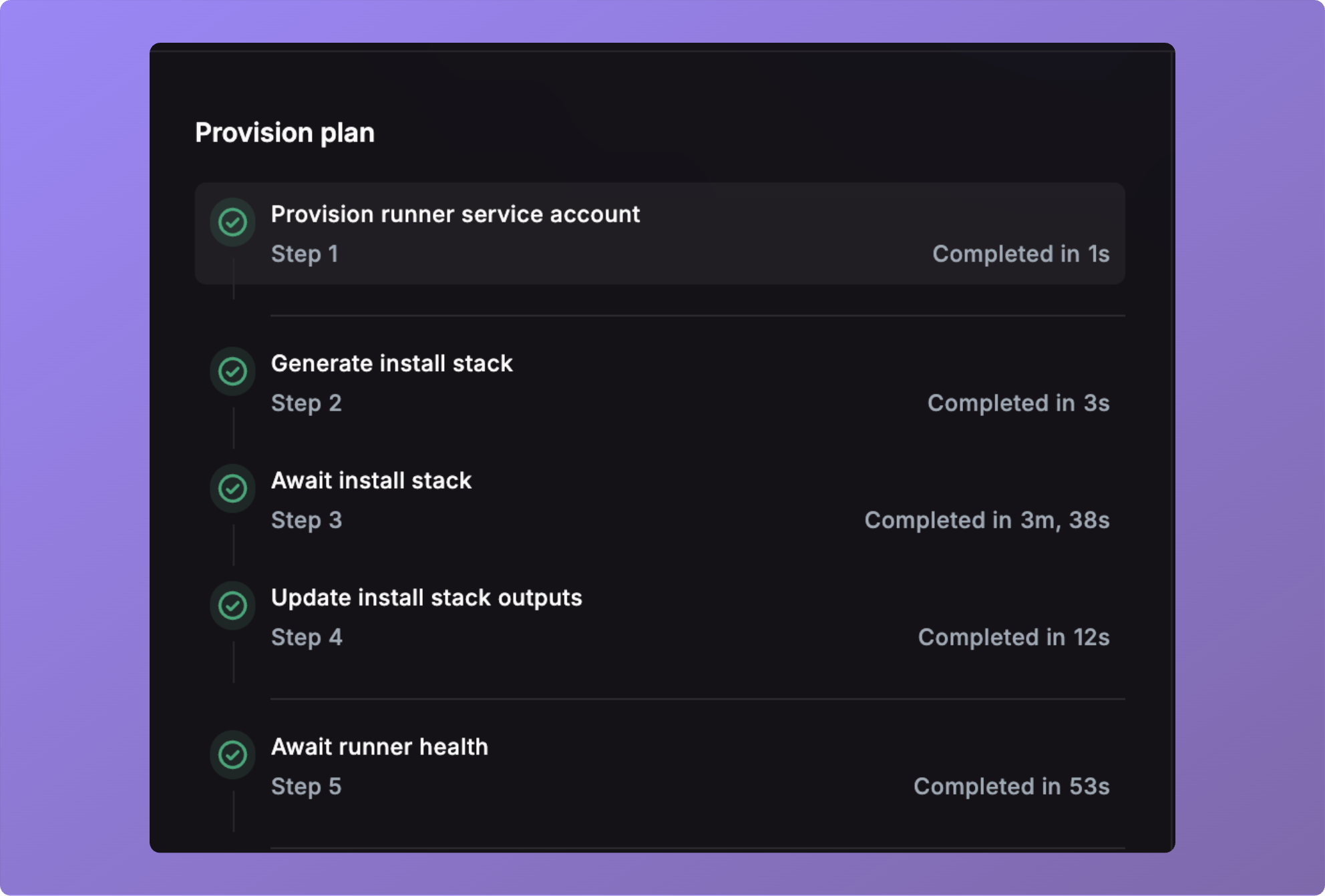
Workflow steps are now grouped, and some retries will retry an entire group when
required. For instance, when retrying a Terraform apply step, the plan can not
be reused, so a new group is created and the plan is retried (and re-approved)
first.
## Workflow Step Groups
Workflow steps are now grouped, and some retries will retry an entire group when
required. For instance, when retrying a Terraform apply step, the plan can not
be reused, so a new group is created and the plan is retried (and re-approved)
first.
 ## Runner Instance Lifetime
> **Deprecated**: MaxInstanceLifetime is no longer set on the ASG. Instance
> refresh is now handled by a backend cron that gracefully shuts down the
> runner before powering off the VM.
As part of the install stack, we now set the MaxInstanceLifetime for Runner
instances to 7 days by default and recreate it via the autoscaling group. This
serves as a safety net in case the runner instance becomes unresponsive for some
reason due to accumlated state, such as disk space.
## Bug Fixes
* Fixes an issue where you could not cancel an install reprovision.
* Fixes an issue where running a `plan-only` action did not update it's status
correctly.
* Fixes an issue where an install showed a "deprovisioned" status on first
setup.
* Fixed memory leak that would cause page crashes during workflows.
* Removed extra fields on the log read endpoints.
## Runner Instance Lifetime
> **Deprecated**: MaxInstanceLifetime is no longer set on the ASG. Instance
> refresh is now handled by a backend cron that gracefully shuts down the
> runner before powering off the VM.
As part of the install stack, we now set the MaxInstanceLifetime for Runner
instances to 7 days by default and recreate it via the autoscaling group. This
serves as a safety net in case the runner instance becomes unresponsive for some
reason due to accumlated state, such as disk space.
## Bug Fixes
* Fixes an issue where you could not cancel an install reprovision.
* Fixes an issue where running a `plan-only` action did not update it's status
correctly.
* Fixes an issue where an install showed a "deprovisioned" status on first
setup.
* Fixed memory leak that would cause page crashes during workflows.
* Removed extra fields on the log read endpoints.