> ## Documentation Index
> Fetch the complete documentation index at: https://docs.nuon.co/llms.txt
> Use this file to discover all available pages before exploring further.
# 036 - Toggleable Components
> Turn components on and off per install, plus Kubernetes contexts and YAML/HCL inputs.
*June 30, 2026*
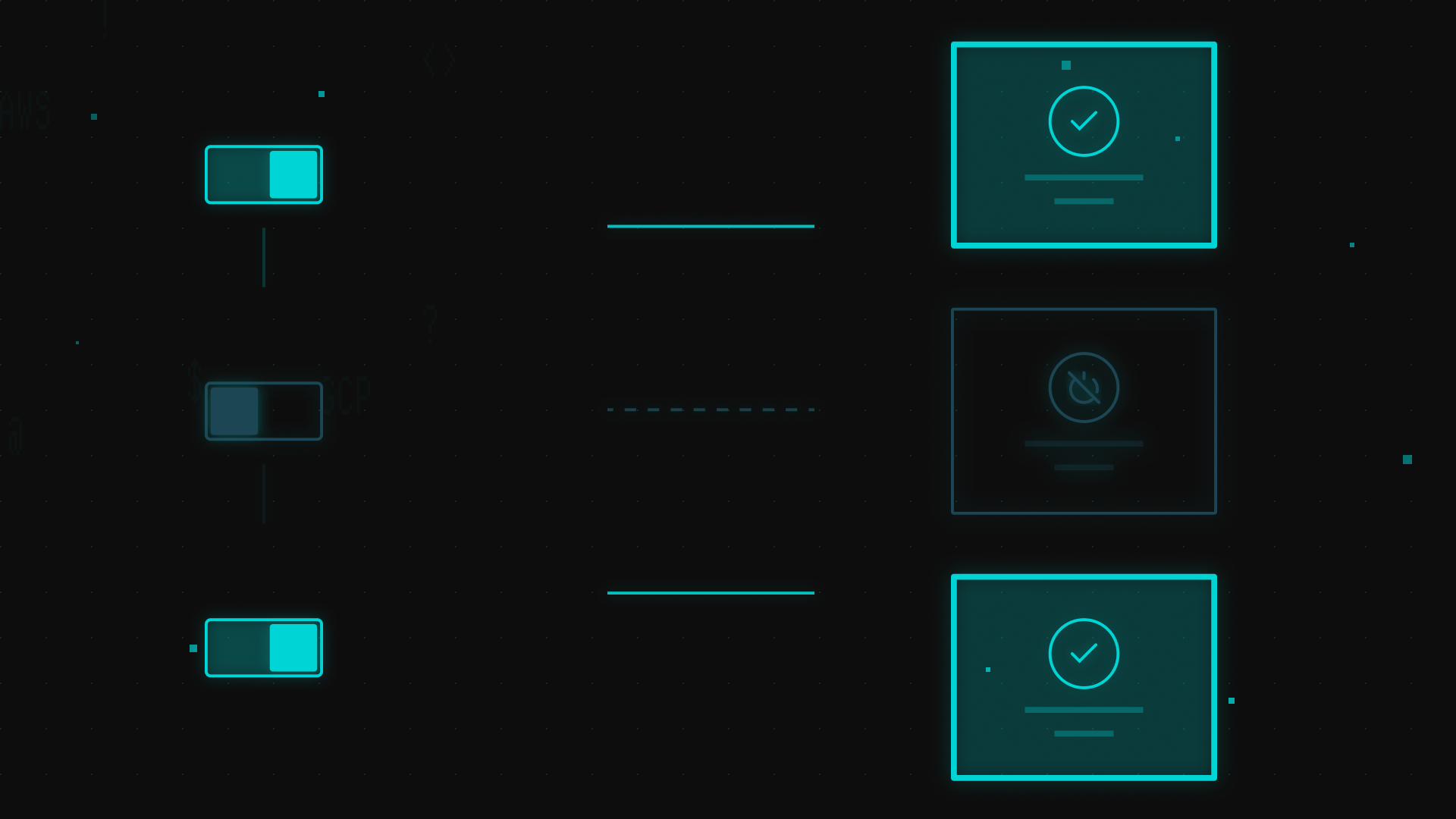
## Toggleable components
In enterprise software, custom agreements for gating product features are common.
Now you can skip deploying unneeded parts of your app to a customer.
### App Config
Mark a component `toggleable` in your [app config](guides/app-init), with an optional `default_enabled` starting state:
```toml components/observability.toml theme={null}
name = "observability"
type = "helm_chart"
toggleable = true
default_enabled = false
```
### Install Config
You can manage an install's toggled components by `install.toml` config files via CLI and [API](https://api.nuon.co/docs/index.html#/) at `PATCH /v1/installs/{install_id}`, or in the browser via the Dashboard.
A component's enabled state is stored as an [install input](/guides/configuring-inputs-and-secrets).
For `install.toml` config-managed installs, set the state per component in a `[component_toggles]` section:
```toml install.toml theme={null}
name = "customer-acme"
[component_toggles]
observability = true
certificate = false
```
You can also toggle a single component imperatively from the dashboard or CLI:
```bash theme={null}
nuon installs components toggle --install-id --component-id --enable
nuon installs components toggle --install-id --component-id --disable
```
Newly enabled components are deployed and newly disabled ones are torn down, all within one workflow. Enabling or disabling a component also runs its `pre`/`post` [lifecycle actions](/guides/actions) when defined.
Dependency rules, lifecycle hooks, and per-install behavior are all covered in the [Toggleable Components guide](/guides/toggleable-components) — see it for the full reference.
## Kubernetes contexts
You can now bind a component to a cluster produced by a **peer component** through a named **Kubernetes context**. Define a context that points at a `terraform_module` or `pulumi` component exposing a `cluster` output, then have other components opt into it by name:
```toml metadata.toml theme={null}
[[kubernetes_context]]
name = "data-cluster"
component = "data-eks"
```
This decouples *where* a component deploys from *how* its cluster is provisioned, so several components can target different clusters defined elsewhere in the same app. See the [Kubernetes contexts reference](/config-ref/kubernetes-contexts).
## YAML and HCL inputs
[Inputs](/config-ref/inputs) now support `yaml` and `hcl` types in addition to `string`, `number`, `list`, `json`, and `bool`. Nuon validates the value's syntax when it's set, so a malformed Helm values block or `tfvars` snippet is caught at configuration time instead of mid-deploy.
```toml theme={null}
[[inputs]]
name = "helm_values"
type = "yaml"
[[inputs]]
name = "network"
type = "hcl"
```