

What the web app lets you do
Once you’ve set up your app template, you can manage installs from the Dashboard.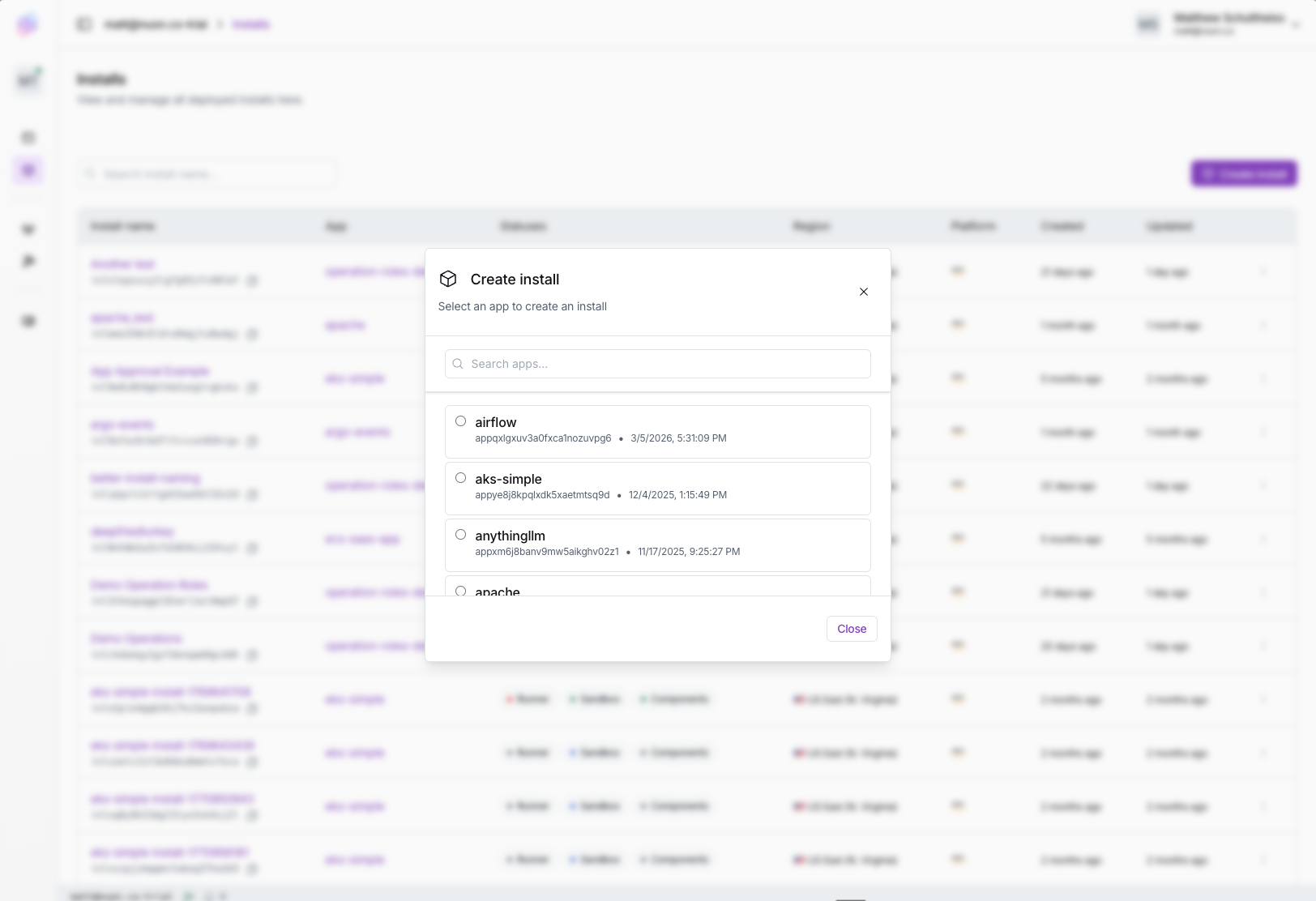
- Create an install: Fill in the install’s inputs and generate the stack link to share with the customer.
- Share the stack link: The link deploys a Stack (CloudFormation on AWS, Azure Resource Manager (Bicep) on Azure, Terraform on GCP) into the customer’s cloud account, which creates the runner.
- Monitor workflows: Monitor install progress from sandbox creation to component deploys, everything that makes up the install.
- Review and approve changes: See diffs and plans for each step, then approve, reject, or retry.
- Redeploy components: Rebuild any component that has failed and needs updating for the install to succeed.
- Update inputs after provision: Change inputs on a live install; the dashboard triggers the workflows needed to propagate the change.
- Run actions: Trigger on-demand scripts defined in the app — health checks, remediations, break-glass operations.
- Reprovision or deprovision: As a heavier troubleshooting step, your customer can delete the resources created in their account, and you can reprovision in the dashboard.