

Configure triggers for your app branches
App branches roll your app config out to customer installs through install groups. Nuon listens for GitHub webhook events on the connected repo and starts a branch run automatically. Add a[run] block to control
what triggers will create an app branch run:
In your branch configuration:
branches/production.toml
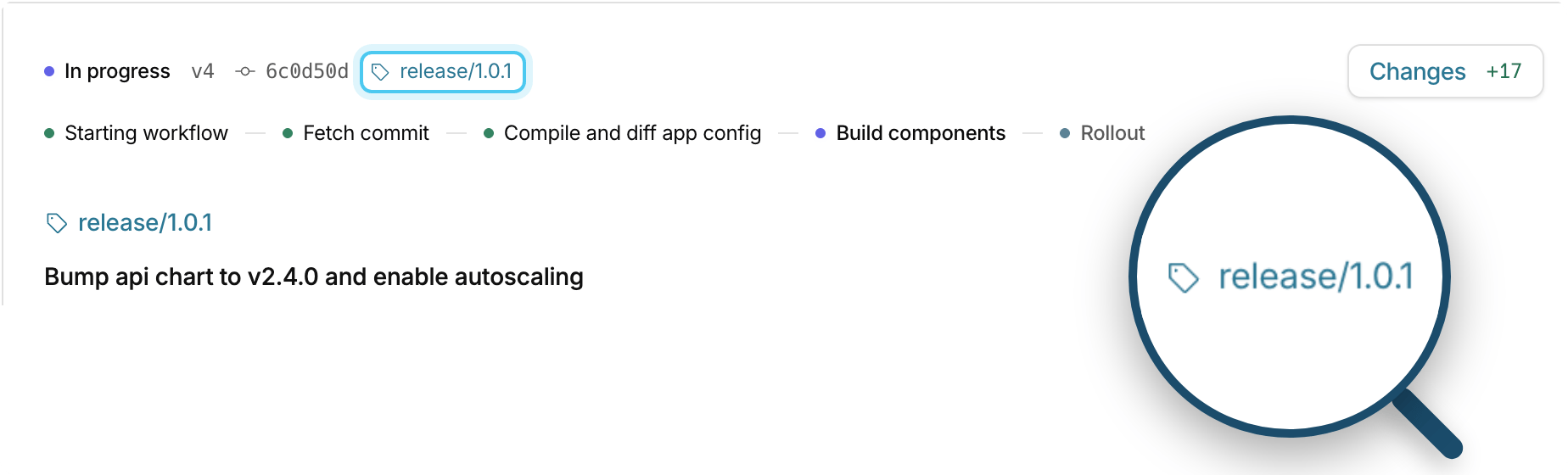
release/, then push the tag. Nuon starts the run:
See App Branch Docs
Trigger app branch runs from GitHub Actions
If you do not want to configure automatic webhook events to Nuon, or you want more control over when app branch runs happen, you can use GitHub Actions with the Nuon GitHub Action. It has an action for each run type (tag, commit, or pull request) and for previews..github/workflows/nuon-release.yaml
GitHub Actions docs
Nuon GitHub Action repo
Runner and stack control per install
Pin a specific runner image for a customer, if they want to verify or audit the runner before use. You can also set stack parameters for one install.- Keep the Nuon runner in each customer’s AWS account on a patched image: pin an approved AMI, or pick up the latest AL2023 AMI each time a runner instance launches. Auto-update is off by default and needs runner template v0.7.0+.
- Give one install its own VPC range, instance size, or other CloudFormation parameter (installs with an AWS cloud connection)
runner.toml:
runner.toml
installs/acme-production.toml
Runner config reference
AWS stack parameters
Other updates in this release
Idempotency keys for workflow calls
When a call to start a deploy times out, your automation can’t tell whether Nuon started the workflow, and a retry could start a second one. Passrequest_id (or --request-id in the CLI) when you start a deploy, reprovision, action, or
runbook, and a retry with the same id returns the workflow that’s already running.
Idempotent operations
Named IAM policies
Define IAM policies in yourpermissions/ directory and attach them by name to any role, alongside each role’s inline
policies. The customer’s install stack creates them, and your components can use their ARNs, for example to attach a
policy to a Kubernetes workload.
Use them for sensitive permissions you don’t want write access to, and for roles whose policies would exceed AWS’s
inline policy size limit.
permissions/policies/rds-admin.toml
permissions/maintenance.toml